StorySketch
Pose stick-figure characters and props, layer them into a scene, and export them in a hand-drawn style — crayon, marker, ink pen or chalk. Free, open source, runs in your browser.
What it is
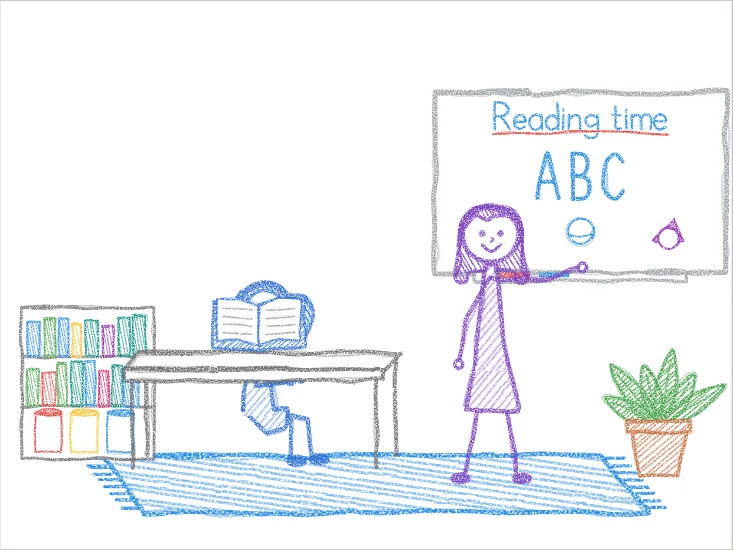
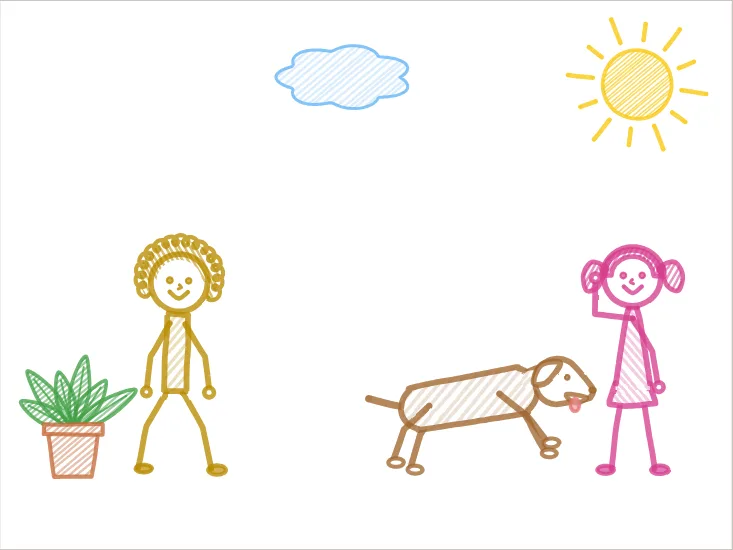
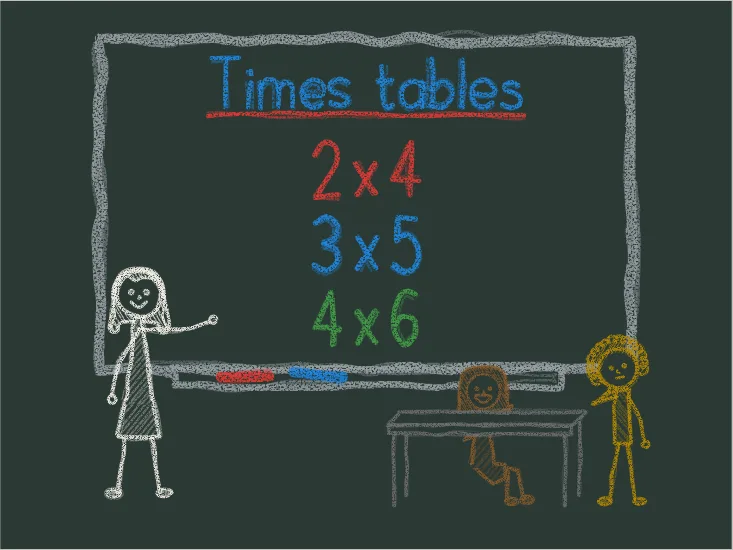
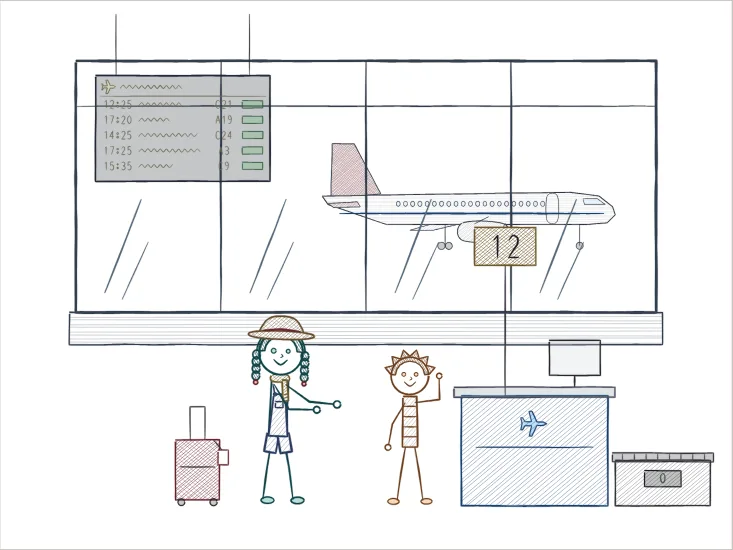
StorySketch is a small drawing tool for people who need a scene, not a masterpiece. You drag the hands, feet and head of a stick-figure character into a pose, drop in props, layer things so a table hides a child’s legs, and export the page as PNG or SVG — drawn as crayon, marker, ink pen or chalk.
It needs no account, no server and no install. Open index.html in Chrome or Edge and start. Your work is a plain JSON file that you keep.
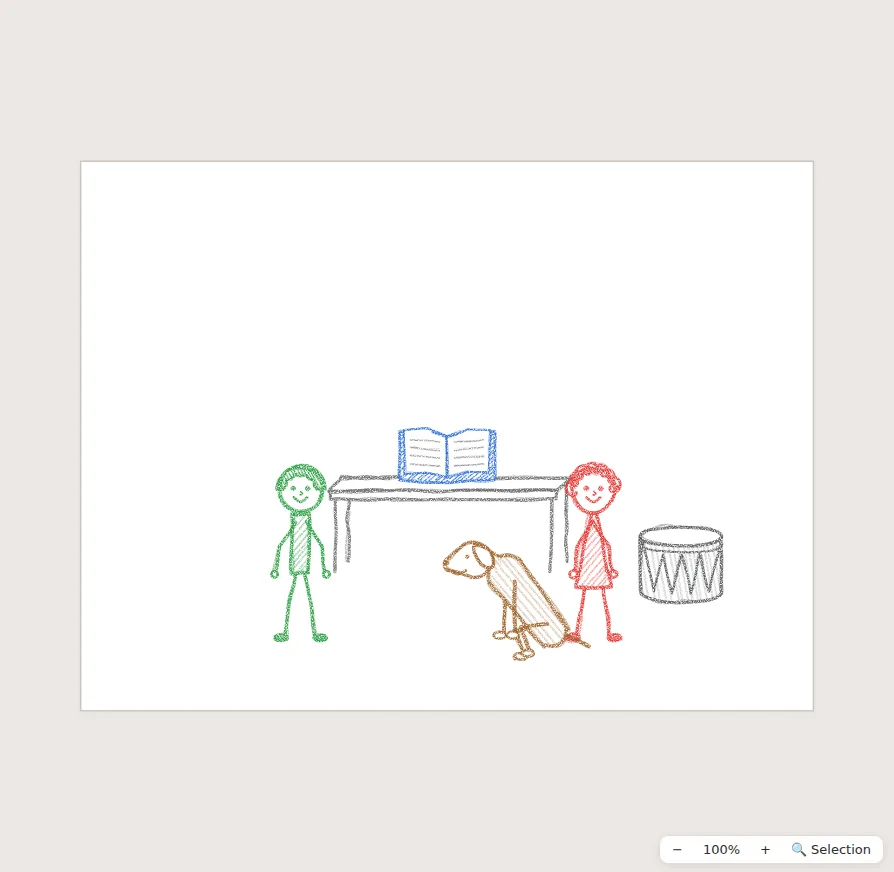
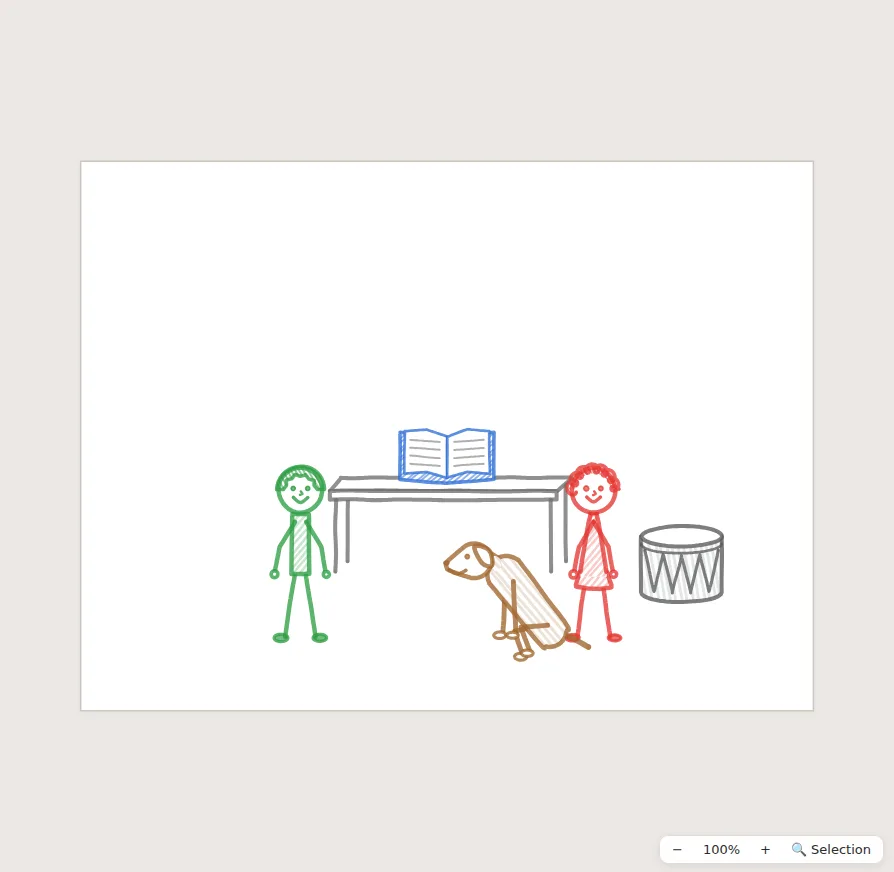
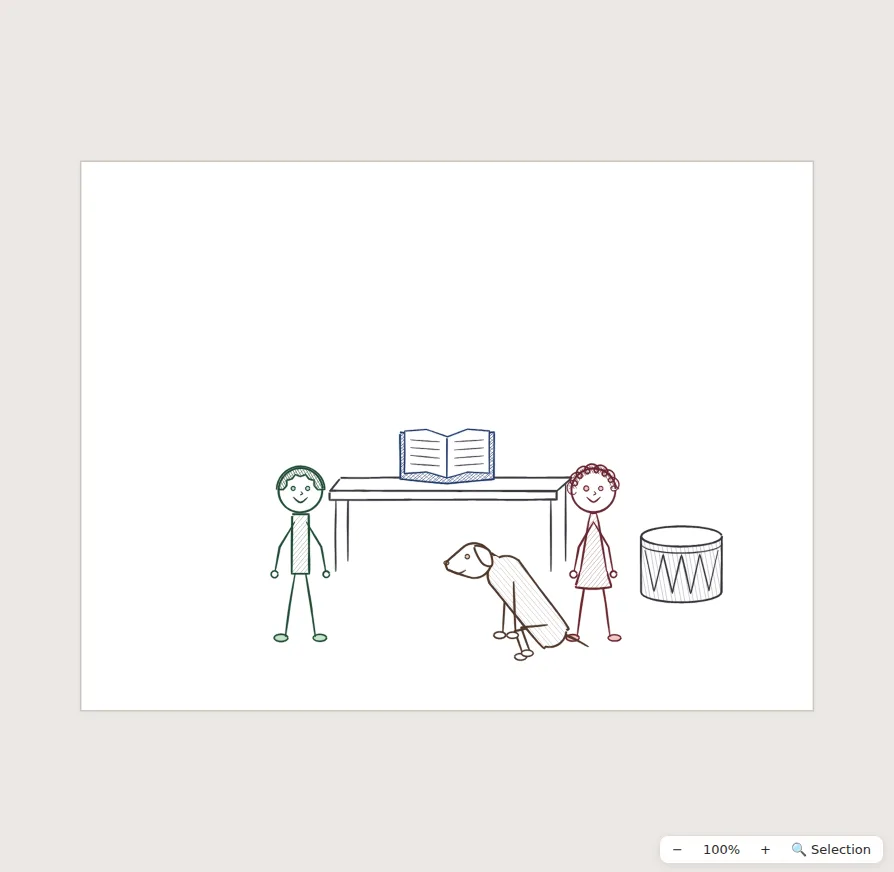
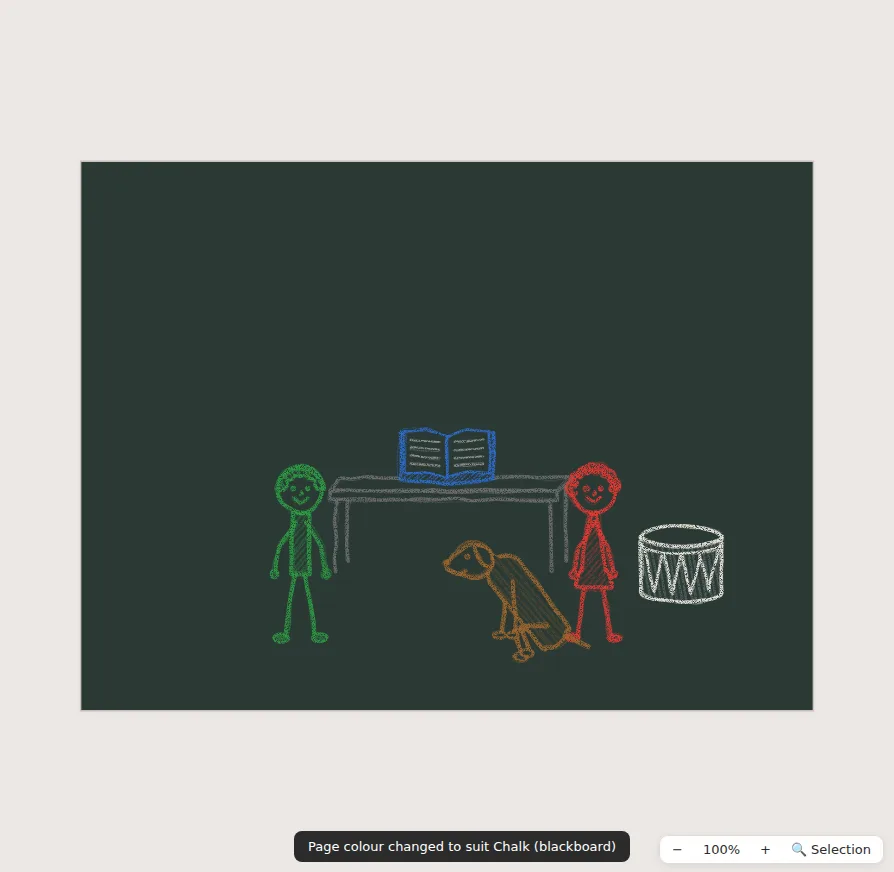
How it can be useful
- Picture books and worksheets. Build a scene once, export it in the style that suits the page.
- Classroom materials. About 100 props (classroom, art room, airport, furniture) and a whiteboard that writes in crayon handwriting.
- Storyboards and explainers. Characters are defined once and reused on every page — change Lily once and she changes everywhere.
- Reference images for AI image tools. Export clean lines on a plain background to pose a scene exactly the way you want it.
- Anyone who can’t draw but can direct. Posing by dragging handles is much easier than drawing a figure from scratch.
Get started
- Download the latest release (link below) and unzip it.
- Open
index.htmlin Chrome or Edge. It works straight from disk. - Choose New → Sample projects to open a ready-made scene and take it apart, or start with a blank page.
- Use Save as… once, then Save (Ctrl+S). Export from the Export button.
Press Ctrl+K to search everything the tool can do, and ? for the keyboard shortcuts.
Hair, clothes, props, poses, drawing styles and even skeletons (a dog, a dinosaur) are all plugin files, so you can add your own by copying one and changing it.
What’s next
An online version is planned — accounts, projects stored online and a searchable gallery of characters and props shared by other people. It isn’t built yet, so for now StorySketch is the downloadable, fully local tool. It’s free under the MIT licence.